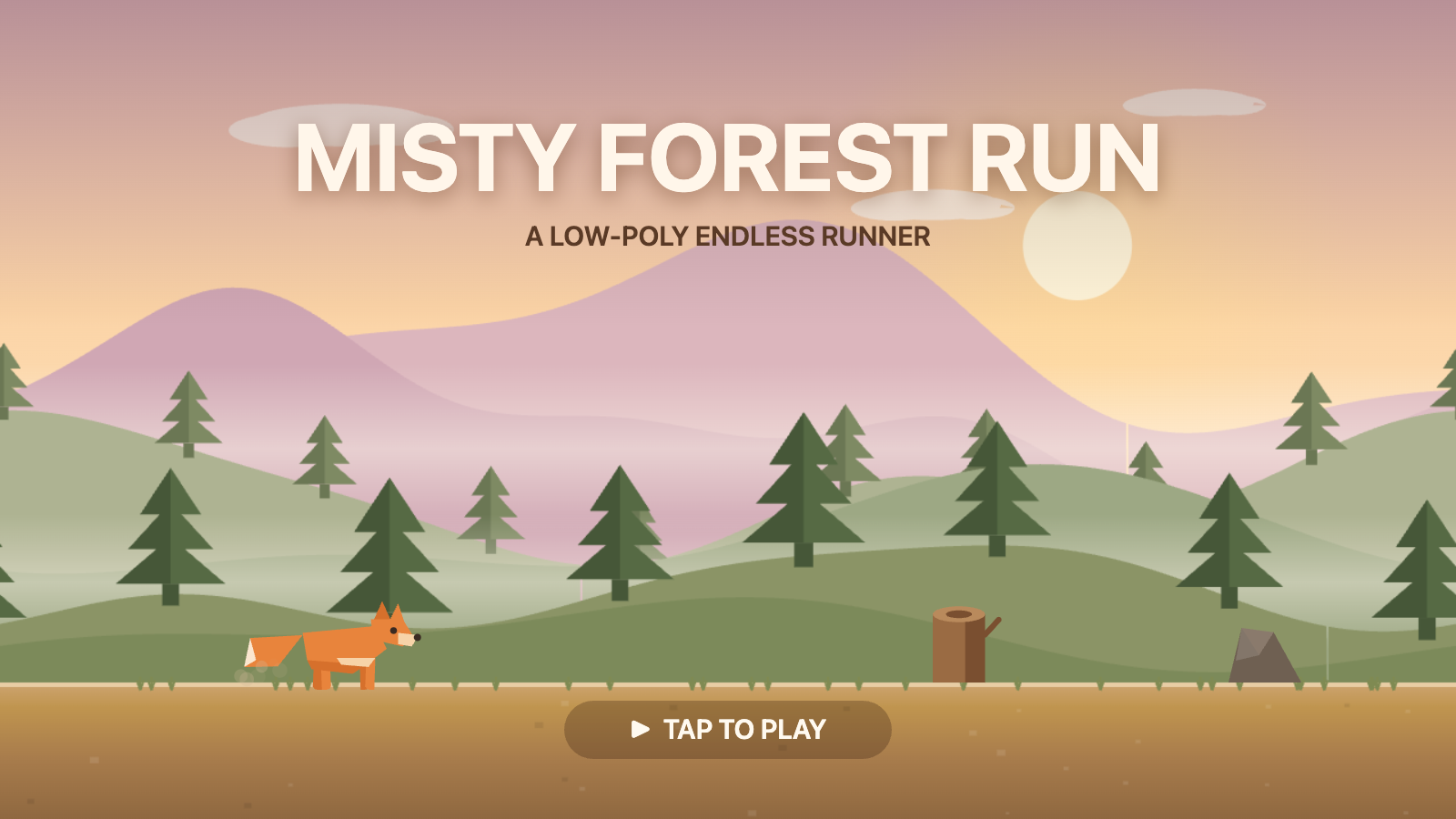
Misty Forest Run
A low-poly endless runner set at dawn. Help a little fox dash through a misty forest, leaping over rocks and tree stumps for as long as you can.
Misty Forest Run is a one-button endless runner. A faceted, low-poly fox sprints through a warm, dawn-lit forest while the world scrolls past in layered parallax depth. Tap (or press space) to jump obstacles; the longer you survive, the further you run — and the faster it gets. There is a single goal: beat your best distance.
The whole game is self-contained — artwork, animation, music and sound effects are all generated in real time, so it runs offline with no external assets.
| Genre | Endless runner / side-scroller |
| Controls | Space or tap to jump · M to mute |
| Goal | Survive as long as possible — distance is your score |
| Platform | Browser · installable as an Android PWA |
| Orientation | Landscape |
How to Play
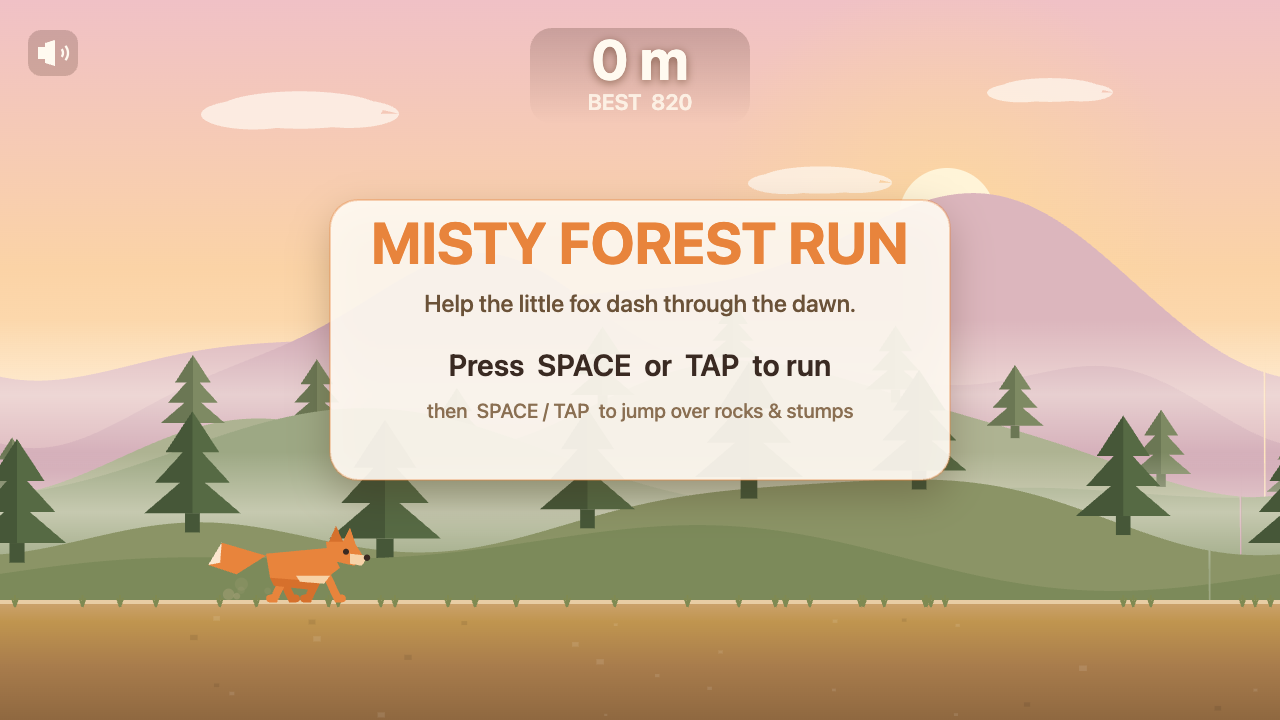
- Tap the screen or press Space to start running.
- Tap / Space again to jump.
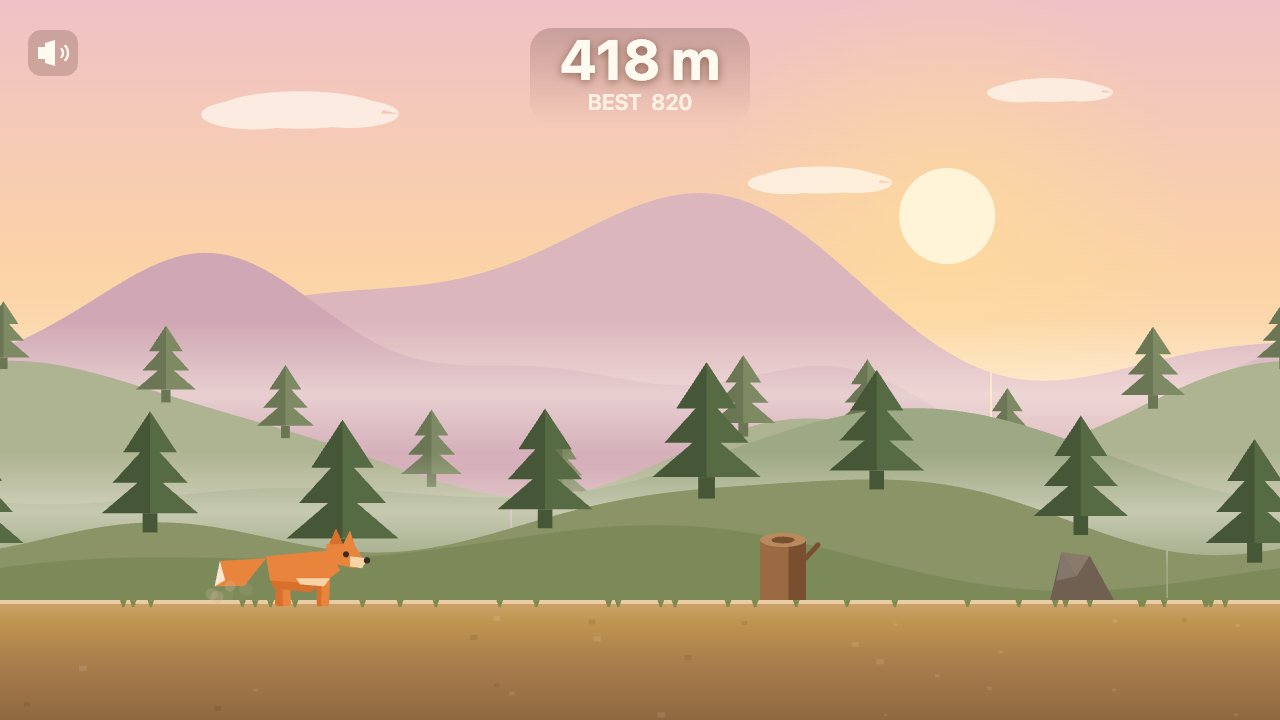
- Clear the rocks and tree stumps that scroll in from the right.
- The pace quietly ramps up the longer you last — your distance keeps climbing.
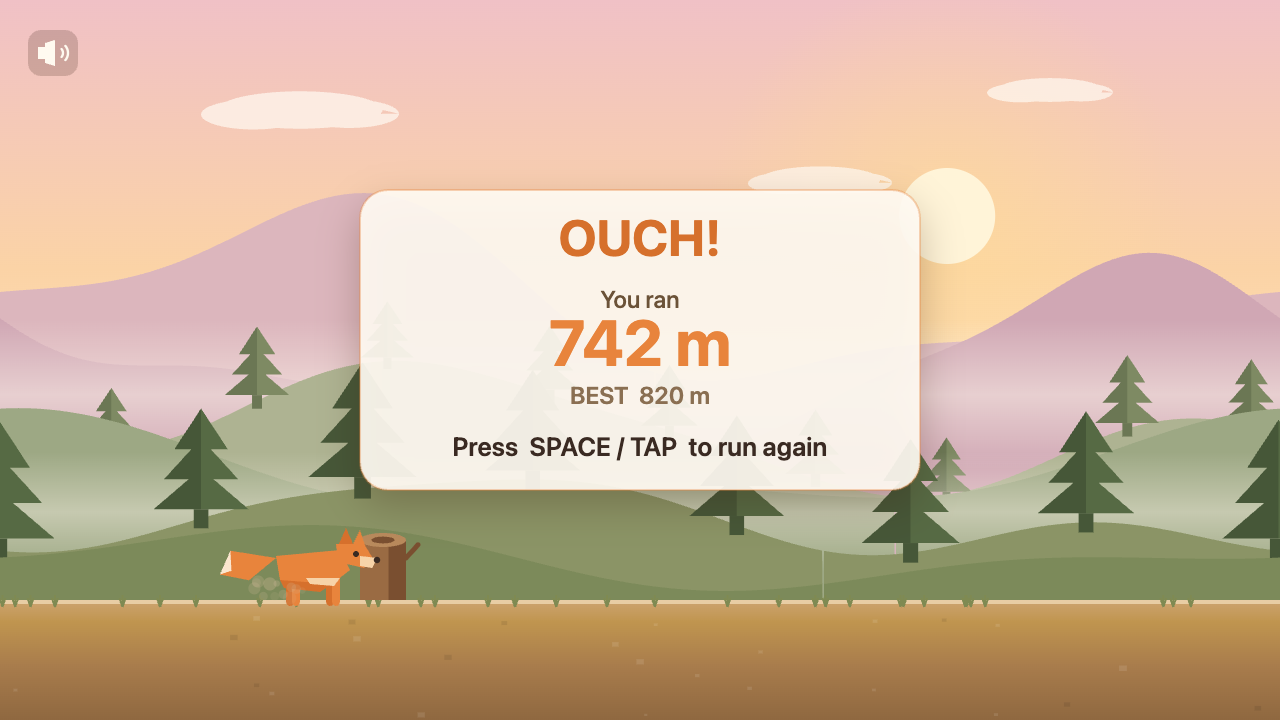
- Hit something and it's game over. Tap to run again and chase a new best.
Your best distance is saved between sessions, so every run is a fresh attempt to beat your record.
Features
- Layered parallax world — drifting clouds, dusty mountains, misty pine hills and a scrolling foreground move at different speeds for a real sense of depth.
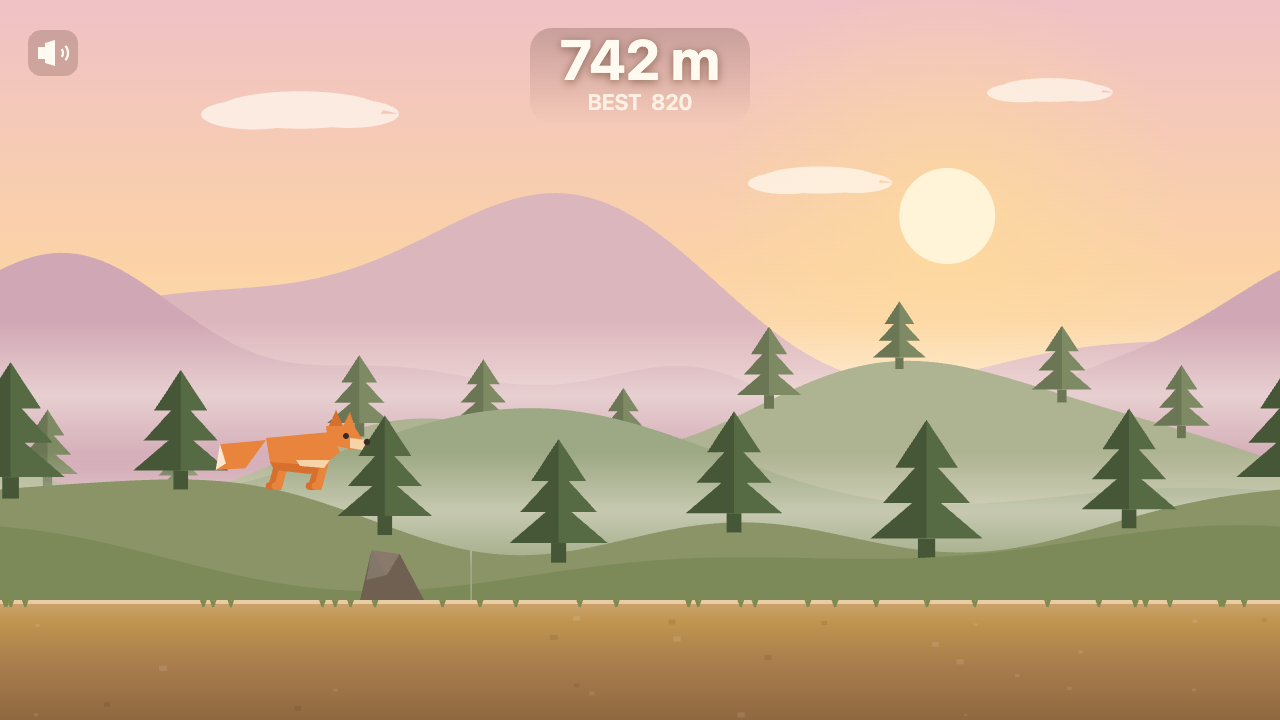
- Animated low-poly fox — a faceted character with a full run cycle, swishing tail, bobbing body and a tucked airborne pose mid-jump.
- Living dawn atmosphere — a glowing sun, soft mist bands and a warm gold-and-peach palette set a calm, playful mood.
- Dust & motion — footfall puffs and landing dust sell every stride and jump.
- Original audio — a gentle looping forest theme plus playful sound effects (jump, landing, milestone chimes, a game-over sting), all synthesized live.
- Distance scoring — simple, readable, with a persistent personal best.
- Mute toggle — an on-screen speaker button (or the
Mkey). - Installable & offline — works as a full-screen Android app once added to the home screen.
Screenshots
Start screen
On the run
Mid-jump
Game over
Art & Audio
Everything you see and hear is procedural:
- Visuals are drawn on an HTML canvas — the parallax layers are baked once into seamless tiles, and the fox, obstacles and particles are rendered each frame from simple polygon shapes in a warm dawn palette.
- Music is a relaxed, looping theme (soft pad + sparse pentatonic lead + light bass and shaker) generated with the Web Audio API.
- Sound effects — jump, landing, a chime every 100 m, a start arpeggio and a game-over sting — are synthesized on the fly. The music briefly ducks under the game-over sting, then swells back.
Audio begins on your first tap (mobile browsers block autoplay until you interact).