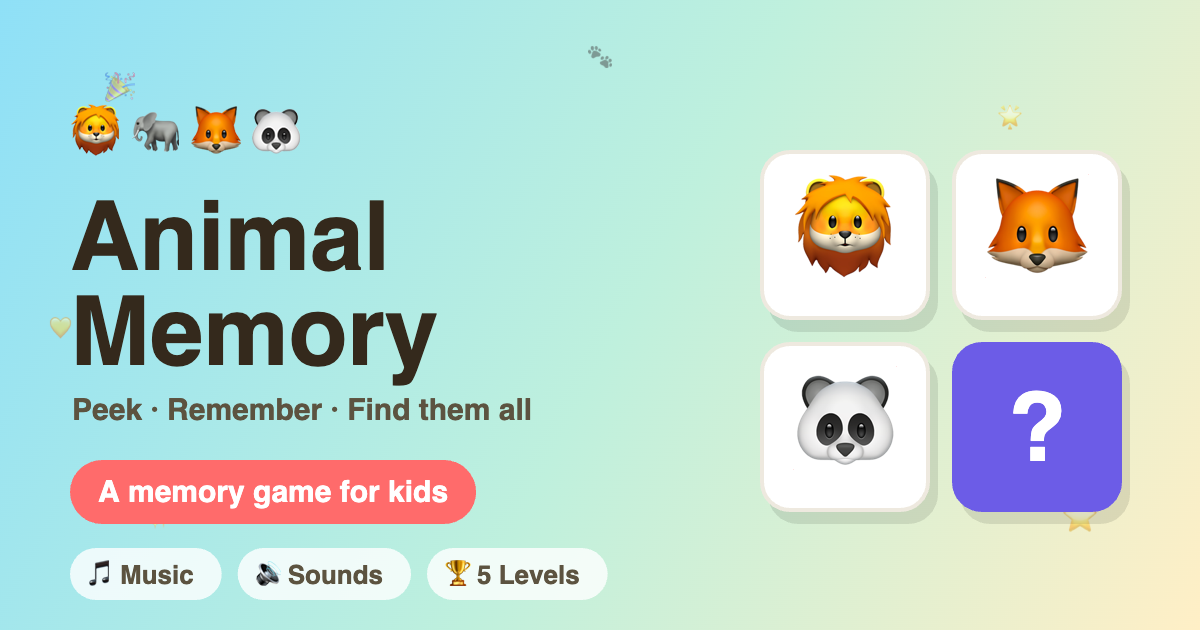
**Animal Memory** — *Peek · Remember · Find them all*
A playful peek-and-find memory game for kids — study where the animals hide, then find them all.
Summary
Animal Memory is a colorful, mobile-first memory game for young children. Each round flashes a grid of friendly animal cards; the player has a few seconds to memorize where everyone is hiding before the cards flip face-down. Then, one animal at a time, they tap to find the matching card. Levels grow from a gentle 2×2 grid up to a 4×4 challenge, with cheerful music, sound effects, move/ time tracking, and confetti celebrations along the way. It installs to the home screen on both iPhone and Android so kids can play full-screen, even offline.
Description
Built for ages 3+, Animal Memory turns short-term memory practice into a bright, rewarding game:
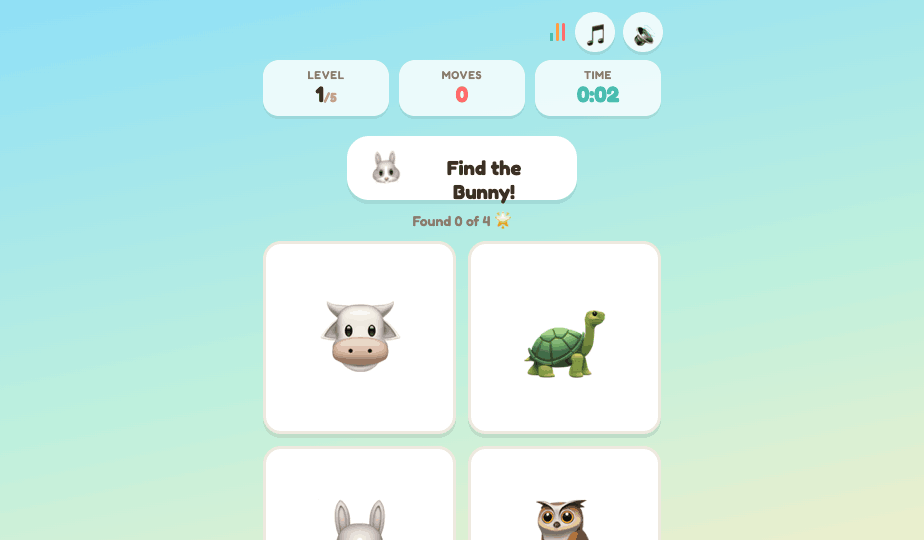
- Peek phase — every animal is revealed with a friendly countdown bar. "Memorize them! 👀"
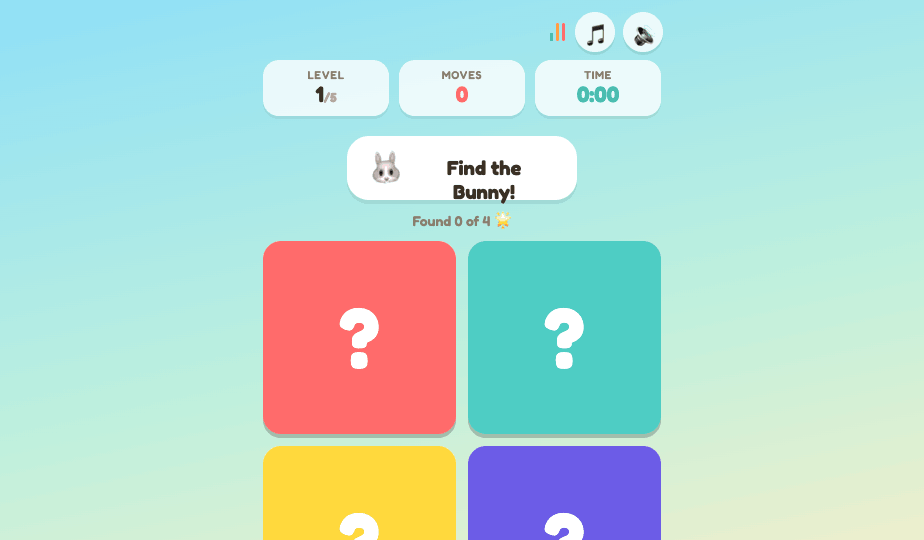
- Find phase — cards flip to mystery tiles and the game asks for one animal at a time: "Find the Bunny!" Tap the right tile and it locks in with a happy chime; tap wrong and it briefly peeks before hiding again.
- Level up — clear a board to celebrate with confetti and your moves/time, then advance. Five levels scale the grid from 2×2 → 3×2 → 3×3 → 4×3 → 4×4.
- Win — find every animal across all levels to become a Memory Master 🏆.
Designed around big, tappable cards (well above the 44px touch-target minimum), high-contrast colors, rounded chunky buttons, and a soft sky-to-sunshine gradient — friendly for small hands and short attention spans.
Features
- 🐾 Peek-and-recall gameplay — study, then find the animals one by one
- 📈 5 progressive levels — from 2×2 up to 4×4
- 🎵 Background music — a gentle, looping pentatonic tune (toggle on/off)
- 🔊 Sound effects — tap, correct, wrong, and victory cues (toggle on/off)
- ⏱️ Move counter & timer — lightweight stats each level
- 🎉 Win celebrations — confetti and a "Memory Master" finale
- 🔁 Replay or advance after every level
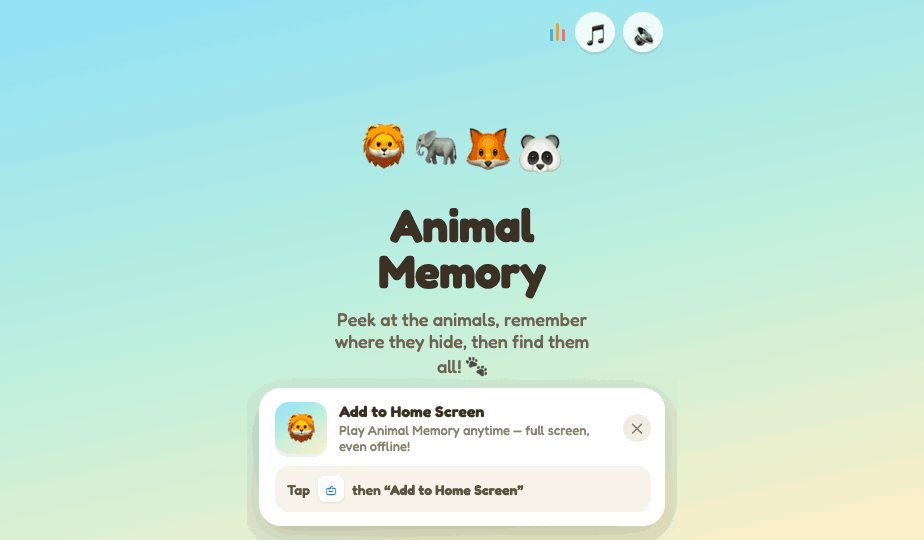
- 📱 Add to Home Screen — installable PWA prompt for iOS (Safari) and Android (Chrome)
- 💾 Remembers preferences — music/sound choices persist between sessions
- 🌐 Works offline once added to the home screen
Screenshots
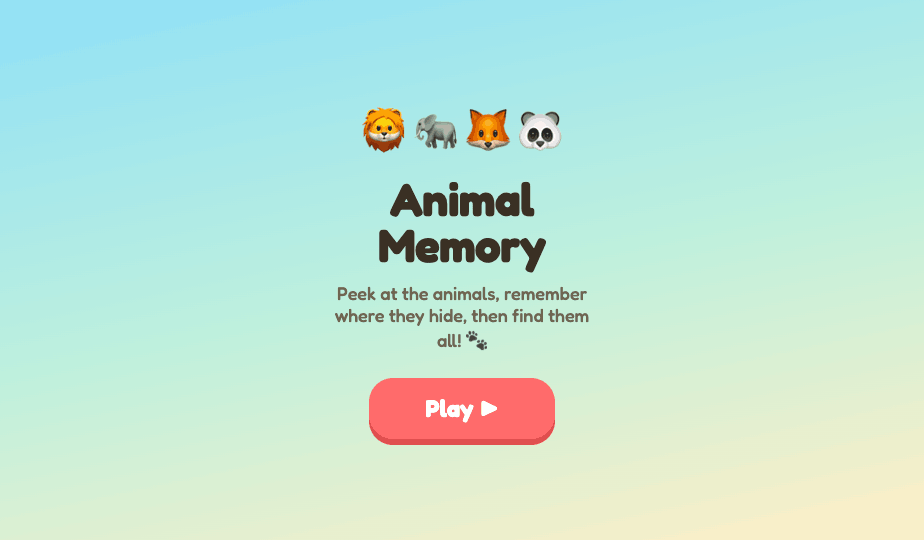
MAIN Menu
 Peek (Memorize)
 Find (Recall)
Add to Home Screen prompt (iOS / Android):
Run it
Open Animal Memory.dc.html in a mobile browser (or your phone).
Tap Play ▶, and use the 🎵 / 🔊 buttons in the top-right to
toggle music and sound. To install: accept the Add to Home
Screen prompt (Android shows an Install button; on iOS tap the
Share icon, then Add to Home Screen).
Made for curious little minds. 🐾